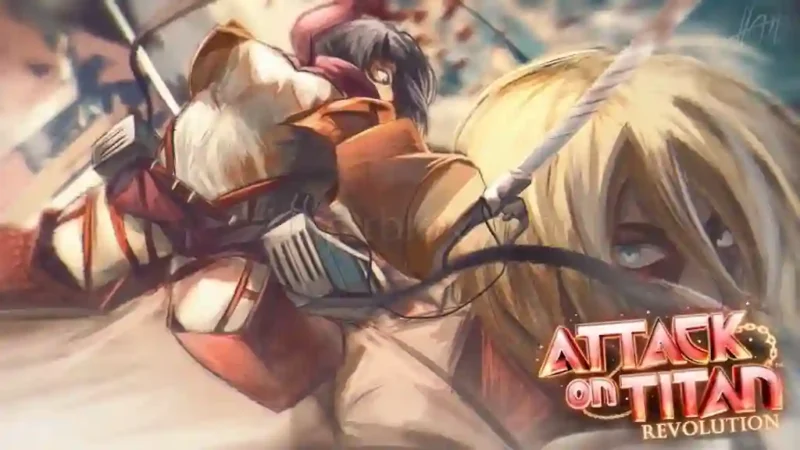

Description
The Attack on Titan Revolution Script is designed for Roblox players who want to automate Titan battles, mission progression, and resource collection. Its main features include Auto Titan Farm, Auto Slash, Auto Active Skills, and Auto Refill Blades and Gas. The script can smoothly move behind the nearest living Titan and target its Nape, with adjustable height and back-distance settings. These tools provide additional automation options for players exploring Attack on Titan Revolution gameplay.
The Attack on Titan Revolution Script also includes a Titan Nape Hitbox Expander, Auto Escape Titan Grab, and a 3D X-Ray ESP suite for locating Titans, raid bosses, supply depots, raid chests, and squad members. Additional utilities include Tactical Teleports, Universal 3D Fly, Smart NoClip, Infinite Jump, FPS Booster, Fullbright, and Anti-AFK. The listing marks the script as mobile-friendly, but a key is required before access.
Key Features
- Auto Titan Farm: Automatically moves behind the nearest living Titan and targets its Nape.
- Auto Slash: Performs automatic slashes and charged attacks.
- Auto Active Skills: Activates skill slots 1–4 near Titans.
- Auto Refill Blades & Gas: Automatically replenishes blades and gas when supplies run low.
- Auto Replay: Automatically retries or advances to the next mission.
- Titan Nape Hitbox Expander: Adjusts the Titan Nape hitbox size.
- Weakspot Expander: Expands Titan eyes and legs weakspots.
- Auto Escape Titan Grab: Automatically handles Titan Grab quick-time events.
- 3D X-Ray ESP: Displays Titans, raid boss HP, supply depots, raid chests, and squad members.
- Tactical Teleports: Teleports to supply depots, Titan Napes, raid chests, and waypoints.
- Infinite Air Hover: Provides an air-hover movement option.
- Smart NoClip: Allows movement through obstacles.
- Universal 3D Fly: Supports mobile joystick and PC WASD controls.
- Infinite Jump: Enables repeated jumping.
- FPS Booster: Provides performance optimization options.
- Fullbright & Fog Clearer: Improves visibility.
- Promo Codes Helper: Provides a one-click promo code helper.
- Anti-AFK: Helps prevent inactivity during gameplay.
How to Use the Script
Step 1: Open Roblox
Launch Roblox and enter Attack on Titan Revolution.
Step 2: Join a Game Session
Wait for the game and its required resources to finish loading.
Step 3: Open Your Executor
Launch a compatible Roblox executor on your device.
Step 4: Copy the Script
Visit the script page and copy the available Attack on Titan Revolution script code.
Step 5: Execute the Script
Paste the copied code into your executor and press the Execute button.
Step 6: Complete Key Verification
If prompted, follow the creator’s key verification process to obtain access.
Step 7: Open the Script Interface
Once the hub loads, explore its available tabs and settings.
Step 8: Enable Your Preferred Features
Choose options such as Auto Titan Farm, Auto Slash, Auto Refill, ESP, or Auto Escape Titan Grab.
Step 9: Adjust the Settings
Customize Nape Hitbox height and back-distance settings, along with other available options.
Step 10: Use Additional Utilities
Explore Tactical Teleports, Fly, NoClip, Infinite Jump, and other movement features as needed.
Note: Available features and executor compatibility may vary. Use only executors and script sources you trust.
Script Preview
loadstring(game:HttpGet("https://gist.githubusercontent.com/raw/4000e258eecf73b389dd2c0fb52fb266/l_43a147.lua", true))()How to Use This Script
Open Your Executor
Launch a supported executor and attach it to a running Roblox session.
Copy the Script
Click the Copy button above. The full loadstring is placed on your clipboard instantly.
Paste & Execute
Paste it into the executor and hit Execute. The hub window opens inside the game.
Features
Tested with
Compatible Executors
Similar Scripts
 71
2 weeks ago
No Key
10
2 weeks ago
No Key
83
2 weeks ago
No Key
86
2 weeks ago
No Key
Comments
0
No comments yet. Be the first to comment!