
Description
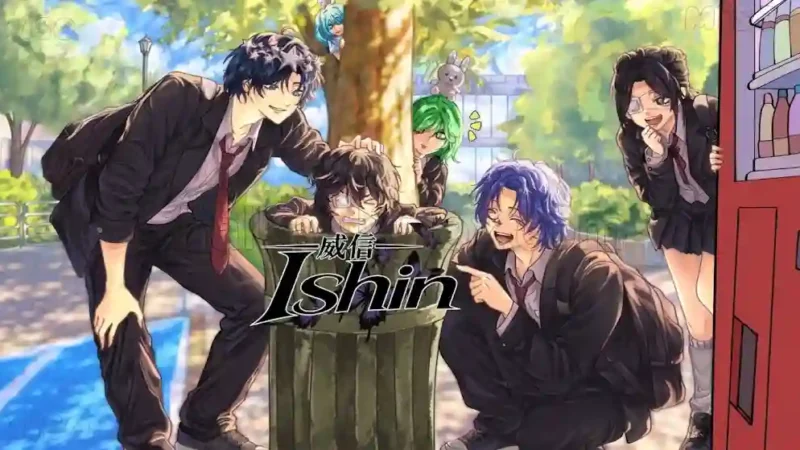
The Ryu Ishigori Script is a Roblox automation script designed for the Ryu Ishigori Game. It focuses on making progression easier with features such as Auto Farm, AFK Grind, Auto Larp, and Auto Upgrades. These options are intended to automate repetitive gameplay activities and help players continue farming with less manual effort.
With the Ryu Ishigori Script, players can also access Speed Mode, Fly Mode, and Noclip for additional movement control. The listing requires a key before execution, so users must complete the creator’s verification process. Mobile compatibility has not been tested, and the script preview contains a compact code listing. Check executor support before using it.
Key Features
- Auto Farm: Automates supported farming activities.
- AFK Grind: Supports farming while away from active gameplay.
- Auto Larp: Includes an automated Larp option.
- Auto Upgrades: Automates available upgrade actions.
- Speed Mode: Provides increased movement speed.
- Fly Mode: Enables flying movement.
- Noclip: Provides movement through certain obstacles.
- Key System: Requires key verification before execution.
How to Use the Script
- Open Roblox and launch the Ryu Ishigori Game.
- Join a game server.
- Open a compatible Roblox executor.
- Visit the script listing and copy the available script code.
- Open the creator’s Get Key page and complete the required verification.
- Paste the copied code into your executor’s script editor.
- Execute the script and wait for it to load.
- Enable Auto Farm, AFK Grind, or Auto Upgrades as needed.
- Use Speed Mode, Fly Mode, or Noclip if those options are available in the loaded interface.
Compatibility Note: The listing confirms that a key is required. Mobile compatibility is marked as not tested, and no specific tested executor is identified. Verify executor support before running the script.
Script Preview
loadstring(game:HttpGet("https://api.jnkie.com/api/v1/luascripts/public/bdf0e3262c5e14ceaa6bbb7e791fa8932f3f0902a3f4f2c6b0c6f1d457e0e4e8/download"))()How to Use This Script
Open Your Executor
Launch a supported executor and attach it to a running Roblox session.
Copy the Script
Click the Copy button above. The full loadstring is placed on your clipboard instantly.
Paste & Execute
Paste it into the executor and hit Execute. The hub window opens inside the game.
Features
Compatible Executors
Similar Scripts
 8
1 week ago
No Key
 44
1 month ago
No Key
 119
2 months ago
No Key
 80
4 weeks ago
No Key
 191
4 weeks ago
No Key
 227
3 weeks ago
No Key
Comments
0
No comments yet. Be the first to comment!