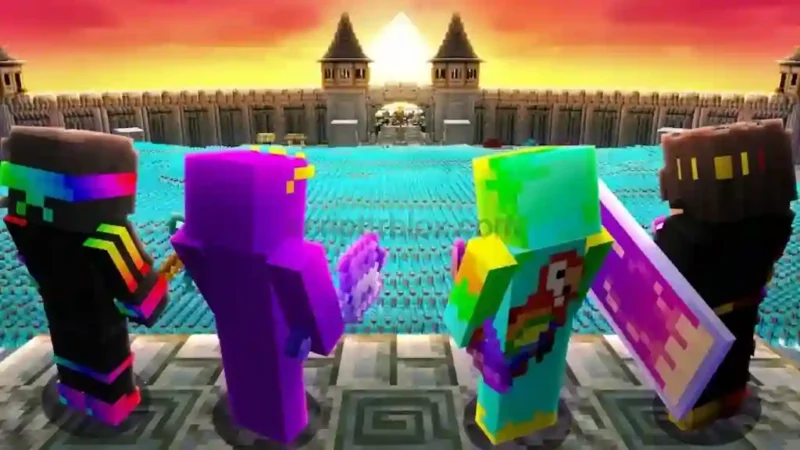

Description
The Unstable SMP FFA Script for Roblox introduces MYSTRIX HUB, a PvP-focused script designed for players who want additional combat and movement options in Unstable SMP FFA. It includes features such as Silent Aim, Aimbot, Auto Mace, Auto Hit, Auto Attack, and Auto Strafe to provide different ways to manage battles.
Beyond combat, the Unstable SMP FFA Script also offers movement assistance, inventory automation, player ESP, and customization settings. Players can access options for Auto Elytra, Auto Rockets, Auto Totem, Auto Eat, and more through the MYSTRIX HUB interface.
Key Features
- Silent Aim: Includes a Silent Aim option for combat.
- Aimbot: Provides an additional aiming feature.
- Auto Mace: Includes Mace Mode and Auto Hammer options.
- Auto Attack: Automates attack actions.
- Auto Strafe: Adds automatic strafing during fights.
- Radius & Angle Sliders: Adjust combat targeting settings.
- Auto Elytra: Automates Elytra-related actions.
- Auto Rockets: Provides automatic rocket usage.
- Auto Chase: Includes an automatic chase option.
- Auto Dodge: Adds automatic dodging.
- Auto Eat: Automates food consumption.
- Auto Potion: Includes automatic potion usage.
- Auto Totem: Adds an automatic totem option.
- Auto Refill: Helps refill inventory items.
- Player ESP: Displays player-related information.
- Tracers: Adds visual player tracking lines.
- Show Distance & Health: Displays player distance and health.
- Anti AFK: Helps prevent inactivity.
- Infinite Jump: Adds repeated jumping functionality.
- Quick Interact: Provides faster interaction options.
- Performance Settings: Includes FPS cap and anti-lag options.
- Config Manager: Save, load, import, and export configurations.
How to Use the Script
- Open Roblox and launch Unstable SMP FFA.
- Join a game session and wait for it to load completely.
- Open your compatible Roblox executor.
- Copy the Unstable SMP FFA script from its listing.
- Paste the script into your executor and run it.
- Wait for the MYSTRIX HUB interface to appear.
- Open the available categories and select the features you want to use.
- Adjust the combat, movement, inventory, and visual settings according to your preferences.

Script Preview
loadstring(game:HttpGet("https://raw.githubusercontent.com/ummarxfarooq/mystrix-hub/refs/heads/main/loader"))()How to Use This Script
Open Your Executor
Launch a supported executor and attach it to a running Roblox session.
Copy the Script
Click the Copy button above. The full loadstring is placed on your clipboard instantly.
Paste & Execute
Paste it into the executor and hit Execute. The hub window opens inside the game.
Features
Compatible Executors

Comments
0
No comments yet. Be the first to comment!