
Description
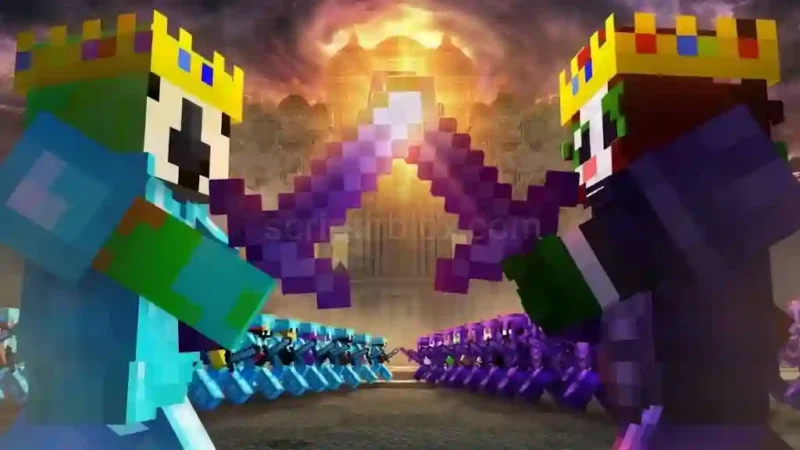
Unstable Hub PvP Utility Script is a utility hub designed for Unstable SMP FFA on Roblox. It includes useful PvP tools such as ESP, tracers, enemy alerts, target HUD, and low-health warnings to help you monitor nearby opponents during gameplay.
Along with its visual tools, the Unstable Hub PvP Utility Script offers movement options, hotbar item scanning, customizable keybinds, and a draggable interface. The hub is currently in beta, so some combat-related features may behave inconsistently depending on the game and executor.
Key Features
- ESP & Tracers: Track opponents with visual indicators.
- Target HUD: Display information about your selected target.
- Enemy Alerts: Get alerts when enemies are nearby.
- Low-Health Warning: Receive warnings when health is low.
- Hotbar Scanner: Detect item names and automatically identify slots.
- Movement Controls: Use speed, high jump, air jump, and long jump.
- Bunny Hop & Spider: Access additional movement options.
- Safe Walk & Anti Void: Get extra movement utilities.
- World Settings: Adjust fullbright, fog, and camera FOV.
- Quick Action Buttons: Use draggable SMASH, DASH, and FLY controls.
- Custom Configuration: Set keybinds and save your configuration automatically.
- Extra Utilities: Use anti-AFK, server hop, rejoin, and unlock FPS options.
How to Use the Script
- Open a Roblox executor that supports the script.
- Launch Roblox and join Unstable SMP FFA.
- Copy the Unstable Hub script code from its script page.
- Paste the code into your executor.
- Execute the script and wait for the hub interface to load.
- On PC, press RightShift to open or close the interface.
- On mobile, use the U bubble to access the menu, if supported.
- Enable the features you want and adjust the settings.
Script Preview
loadstring(game:HttpGet("https://rscripts.net/raw/unstable-hub-mobile-pvp-utility-beta_1794743709838_AmQYOuiz65.txt",true))()How to Use This Script
Open Your Executor
Launch a supported executor and attach it to a running Roblox session.
Copy the Script
Click the Copy button above. The full loadstring is placed on your clipboard instantly.
Paste & Execute
Paste it into the executor and hit Execute. The hub window opens inside the game.
Features
Compatible Executors
Comments
0
No comments yet. Be the first to comment!