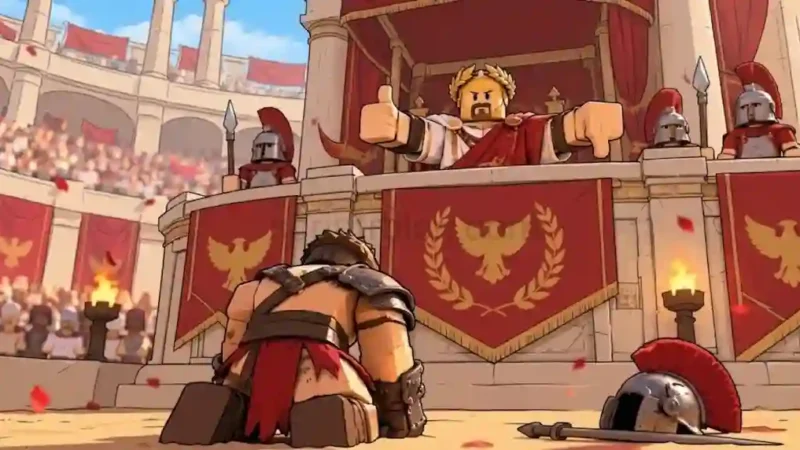

Description
The GloryBound Script by School Hub is a Roblox script hub designed for training, arena combat, equipment management, and reward collection. It includes Auto Farm, Auto Train, Auto Dodge, Auto Kill, Auto Queue, and Enemy ESP, giving players several automation and visual tools through one multilingual interface.
This GloryBound Script also offers Auto Equip Best, Auto Skill Tree Upgrades, Auto Rebirth, quest rewards, daily spins, and chest-opening controls. Players searching for a GloryBound Auto Farm Script, GloryBound Auto Dodge Script, or GloryBound ESP Script can explore its different features. The hub supports desktop and phone layouts, but requires completing a free key verification process before use.
Key Features
- Auto Farm: Automates selected training and arena farming cycles.
- Auto Train: Runs training activities independently.
- Push Assist: Provides a separate push-assistance option.
- Auto Queue: Joins available game modes automatically.
- Auto Kill: Uses Tween movement to approach arena enemies.
- Auto Dodge: Provides a dedicated automatic dodging control.
- Auto Combat Skill: Automatically uses the equipped combat skill.
- Boon Selection: Choose priorities such as Balanced, Damage, Survival or Rewards.
- Auto Equip Best: Selects suitable owned weapons and armor.
- Equipment Management: Considers armor sets and equipment locks.
- Auto Chest Opening: Opens owned chests with tier, reserve and session-limit settings.
- Auto Claim Rewards: Claims available calendar rewards and completed quests.
- Free Daily Spins: Automates available daily spin claims.
- Skill Tree Upgrades: Upgrades eligible skill-tree nodes while maintaining a point reserve.
- Auto Rebirth: Rebirths when the game’s requirements are met.
- Enemy ESP: Displays enemy names, health, and distance.
- Multilingual Interface: Includes 10 language options.
- Custom Interface: Offers themes, scaling, pause controls, and saved preferences.
How to Use the Script
- Open Roblox and launch GloryBound.
- Join a server and wait for the game to finish loading.
- Open a compatible Roblox executor.
- Copy the School Hub GloryBound script code from its listing.
- Paste the code into the executor’s script editor.
- Review the code and understand its behavior before executing it.
- Run the loader and complete the free key verification when prompted.
- Once the hub opens, press Insert to show or hide its menu.
- Choose the farming, combat, equipment, or ESP options you want to use.
Compatibility note: The listing advertises mobile-friendly support with Desktop and Phone layouts. All 19 activities start disabled on a fresh manual launch, so enable only the options you want to test. Native attack cooldowns and game unlock requirements still apply.

Script Preview
loadstring(game:HttpGet("https://raw.githubusercontent.com/suzukir987/School-Hub/main/loader.lua"))()How to Use This Script
Open Your Executor
Launch a supported executor and attach it to a running Roblox session.
Copy the Script
Click the Copy button above. The full loadstring is placed on your clipboard instantly.
Paste & Execute
Paste it into the executor and hit Execute. The hub window opens inside the game.
Features
Compatible Executors

Comments
0
No comments yet. Be the first to comment!