
Description
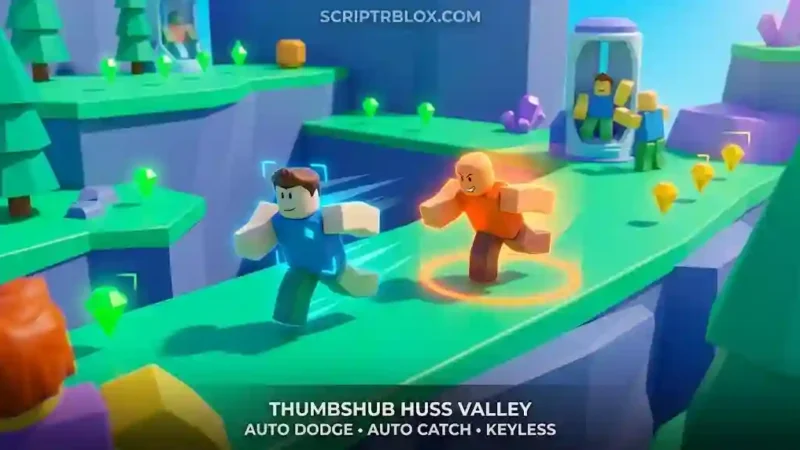
The THUMBSHUB Huss Valley Script is a keyless Roblox utility focused on Runner and Catcher gameplay. It includes Auto Dodge, Auto Catch, Auto Rescue, Auto Clone, Dive Tackle, Player Role ESP, Gem ESP, FOV Changer, Auto Vote, Auto Self Rescue, and Speed Changer. The listing is also marked mobile friendly and supports both bot and real-player situations.
Features
Auto Dodge
Automatically handles dodge actions with prediction, adjustable delays, and range settings.
Crowd Assist
Helps move away from groups during gameplay.
Suggested Crossing Path
Provides a suggested path for crossing situations.
Auto Rescue
Automatically rescues nearby runners when the feature is active.
Auto Clone
Creates clones automatically with an adjustable range.
Auto Catch
Provides automatic catching with nearest or best-intercept targeting.
Dive Tackle
Adds a dedicated dive-tackle option for Catcher gameplay.
Tackle Range Rings
Displays rings representing Catchers’ maximum tackle range.
Player Role ESP
Provides additional visibility for player roles around the map.
Chams & Gem ESP
Adds visual indicators for players and available gems.
Nearby Catcher Warnings
Provides warnings when Catchers are close.
FOV Changer
Allows the field of view to be adjusted during gameplay.
Combat HUD
Adds an additional HUD for combat-related information.
Auto Vote
Automates available voting actions.
Leave AFK
Provides an option related to leaving AFK situations.
Auto Self Rescue
Automates the self-rescue action when applicable.
Auto Gear Use
Provides automated gear usage.
Auto Claim Journey Rewards
Automatically claims available Journey rewards.
Auto Spectate
Can automatically switch to spectating after elimination.
Speed Changer
Provides an optional speed adjustment for movement.
Keyless Access
The Rscripts listing marks THUMBSHUB as Keyless.
Mobile Friendly
The listing identifies the script as mobile friendly, although one current comment notes that the menu can cover a significant portion of the screen on mobile.
Why Use the THUMBSHUB Huss Valley Script?
Huss Valley combines Runner and Catcher gameplay, so players may need to react quickly to nearby opponents, escape dangerous situations, collect gems, or intercept other players. THUMBSHUB brings many of these gameplay situations together in one focused utility.
For Runner gameplay, Auto Dodge, Crowd Assist, Auto Rescue, Auto Clone, Gem ESP, and Nearby Catcher Warnings provide tools centered around movement and awareness. Catcher-focused options such as Auto Catch, Dive Tackle, and the Tackle Range Rings provide a separate set of controls for catching and tackling.
The script also includes broader utilities such as FOV Changer, Combat HUD, Auto Vote, Auto Gear Use, Journey Rewards, Auto Spectate, and an optional Speed Changer. This gives THUMBSHUB a wider feature set than a simple Auto Catch or Auto Dodge script.
Overall, THUMBSHUB is a feature-rich Huss Valley utility focused on dodging, catching, rescuing, tackling, player visibility, gems, movement, and match assistance.
Script Preview
loadstring(game:HttpGet("https://api.luarmor.net/files/v4/loaders/7a310d875453e7adb4fe6046e3ab0af9.lua"))()How to Use This Script
Open Your Executor
Launch a supported executor and attach it to a running Roblox session.
Copy the Script
Click the Copy button above. The full loadstring is placed on your clipboard instantly.
Paste & Execute
Paste it into the executor and hit Execute. The hub window opens inside the game.
Features
Tested with
Compatible Executors
Similar Scripts
 8
6 days ago
No Key
12
1 week ago
No Key
16
1 week ago
No Key
15
2 weeks ago
No Key
8
2 weeks ago
No Key
14
2 weeks ago
No Key
Comments
0
No comments yet. Be the first to comment!