
Description
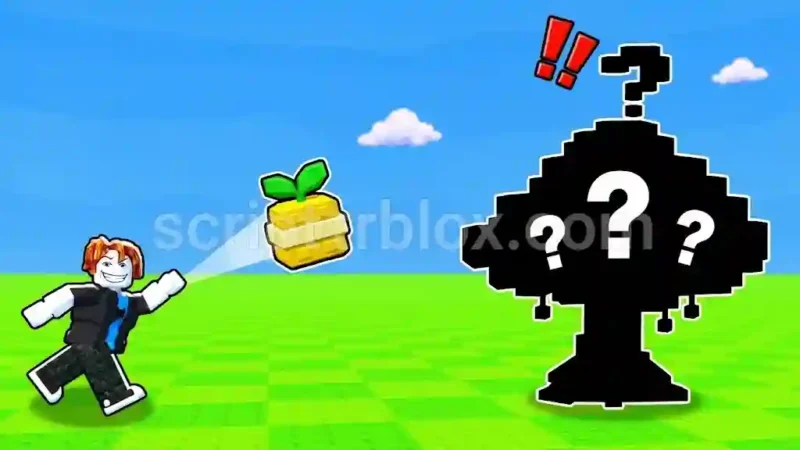
The Throw a Seed Auto Farm Script adds useful automation features to Roblox’s Throw a Seed, helping players manage farming, training, seed purchases, and inventory selling. Its main tools include Auto Farm, Bonus Train, and automatic seed buying, giving players more control over routine gameplay tasks.
The script also includes adjustable throw charge time, automatic selling for low-rarity items, and session statistics. Additional options such as Anti-AFK and debug logs provide extra utility. The Throw a Seed Auto Farm Script is listed as mobile-friendly, but it requires a key to access.
Key Features
- Auto Farm: Automates farming activities.
- Throw Charge Time: Provides control over throw charging time.
- Bonus Train: Automates the bonus training feature.
- Session Stats: Displays information about the current session.
- Auto Buy Seeds: Automatically purchases seeds.
- Buy Mode: Provides different seed purchasing options.
- Buy Delay: Allows adjustment of the purchase interval.
- Auto Sell Low Rarity: Automatically sells lower-rarity items.
- Sell Up To Rarity: Sets the maximum rarity level for automatic selling.
- Sell Now: Provides a manual selling option.
- Anti-AFK: Helps prevent inactivity-related disconnections.
- Debug Logs: Provides logs for troubleshooting.
- Print Game State: Displays game-state information.
- Unload GoldHub: Offers an option to unload the script interface.
How to Use the Script
- Open Roblox and launch Throw a Seed.
- Join a server and wait for the game to load.
- Open a compatible Roblox script executor.
- Visit the script listing and copy the latest available script code.
- Paste the code into your executor and execute it.
- Complete the required key verification process if prompted.
- Wait for the script interface to load.
- Open the Auto Farm, Shop, or Bonus Train sections.
- Configure your seed purchasing and selling preferences.
- Enable the automation features you want to use.
Script Preview
loadstring(game:HttpGet("https://pasteblox.com/raw/32dnwgdcjp"))()How to Use This Script
Open Your Executor
Launch a supported executor and attach it to a running Roblox session.
Copy the Script
Click the Copy button above. The full loadstring is placed on your clipboard instantly.
Paste & Execute
Paste it into the executor and hit Execute. The hub window opens inside the game.
Features
Compatible Executors
Similar Scripts
 85
2 weeks ago
No Key
 22
1 week ago
No Key
 256
3 weeks ago
No Key
 42
1 week ago
No Key
 46
2 months ago
No Key
 24
2 weeks ago
No Key
Comments
0
No comments yet. Be the first to comment!